


'%20x='0'%20y='0'%20height='100%25'%20width='100%25'%20%0A%20%20%20%20%20%20%20%20%20%20xlink%3Ahref='data:image/jpg;base64,/9j/2wBDAAYEBQYFBAYGBQYHBwYIChAKCgkJChQODwwQFxQYGBcUFhYaHSUfGhsjHBYWICwgIyYnKSopGR8tMC0oMCUoKSj/2wBDAQcHBwoIChMKChMoGhYaKCgoKCgoKCgoKCgoKCgoKCgoKCgoKCgoKCgoKCgoKCgoKCgoKCgoKCgoKCgoKCgoKCj/wgARCAAGAAoDASIAAhEBAxEB/8QAFgABAQEAAAAAAAAAAAAAAAAAAAMG/8QAFQEBAQAAAAAAAAAAAAAAAAAAAwX/2gAMAwEAAhADEAAAANDQmP8A/8QAHBAAAgICAwAAAAAAAAAAAAAAAwQBEQAFAsLh/9oACAEBAAE/AF90bZKiXIkmAYr5xIbvIVuL7eZ//8QAGBEBAAMBAAAAAAAAAAAAAAAAAgABAyH/2gAIAQIBAT8AOifVc//EABcRAAMBAAAAAAAAAAAAAAAAAAABAiH/2gAIAQMBAT8AnEf/2Q=='%3E%3C/image%3E%3C/svg%3E)

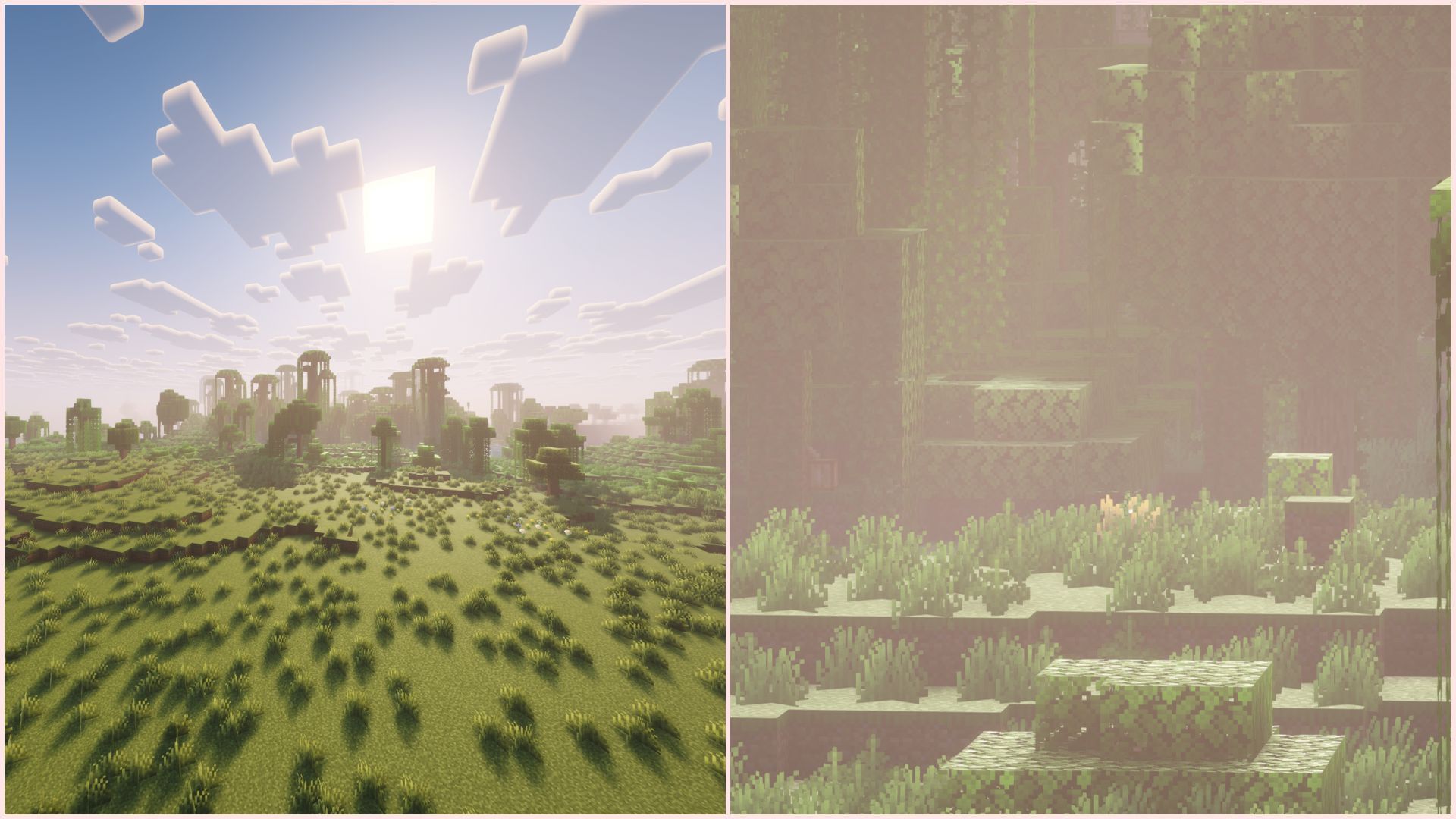
Minecraft Zoomify is a unique mod that allows players to zoom while playing. During the early days of the game, the only way to zoom in the vanilla version was to reduce the FOV. Fast forward to 2021, Mojang finally decided to release a spyglass, which can be crafted using two copper ingots and an amethyst shard. However, the Java Edition community already created loads of zooming mods, one of which is called Zoomify.
Here is everything to know about the Zoomify mod for Minecraft.

Features and download guide for Minecraft Zoomify mod
What does the Minecraft Zoomify mod offer?
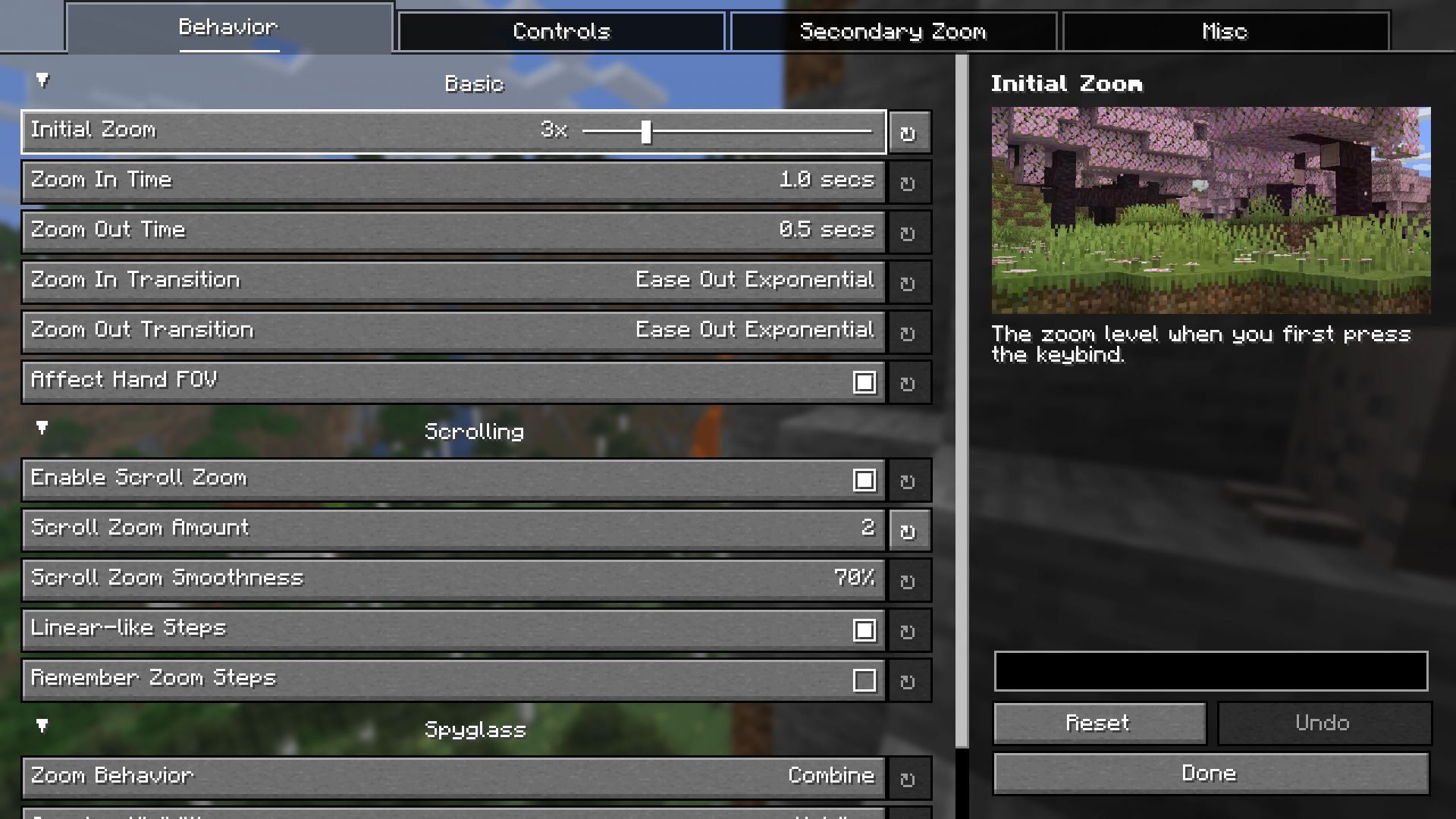
Chart New Territories with the ultimate Minecraft Seed Generator!
Minecraft Zoomify is a simple mod that allows you to press a button to zoom in and look for terrains, blocks, biomes, and entities located far away from you. Zoomify's default keybind will be set to "C", but players can change it by going to the keybind settings in controls.
 Trending
Once you press the zoom in button, you will instantly zoom in on whatever you are looking at. Then, if you want to zoom in even more, you can do so by using the mouse's middle wheel. Zoomify is a powerful tool that allows you to zoom so much that you can see things that are thousands of blocks away.
The zooming in and out transitions are quite smooth, along with the smoothed and slow mouse movement when you have zoomed in. These fluid movements prove that the mod is highly polished, much more than OptiFine's native zoom feature.
If you download and install Mod Menu as well, you will be able to see a whole host of settings that you can change. You will be able to change the zooming in and out transition smoothness, the mouse movement smoothness after zooming in, the scroll wheel zooming steps, and how the mod will work when you are using a spyglass in the game.
Even though Zoomify is a simple zooming mod, it is still extremely detailed and customizable.
How to download and install the Minecraft Zoomify mod?
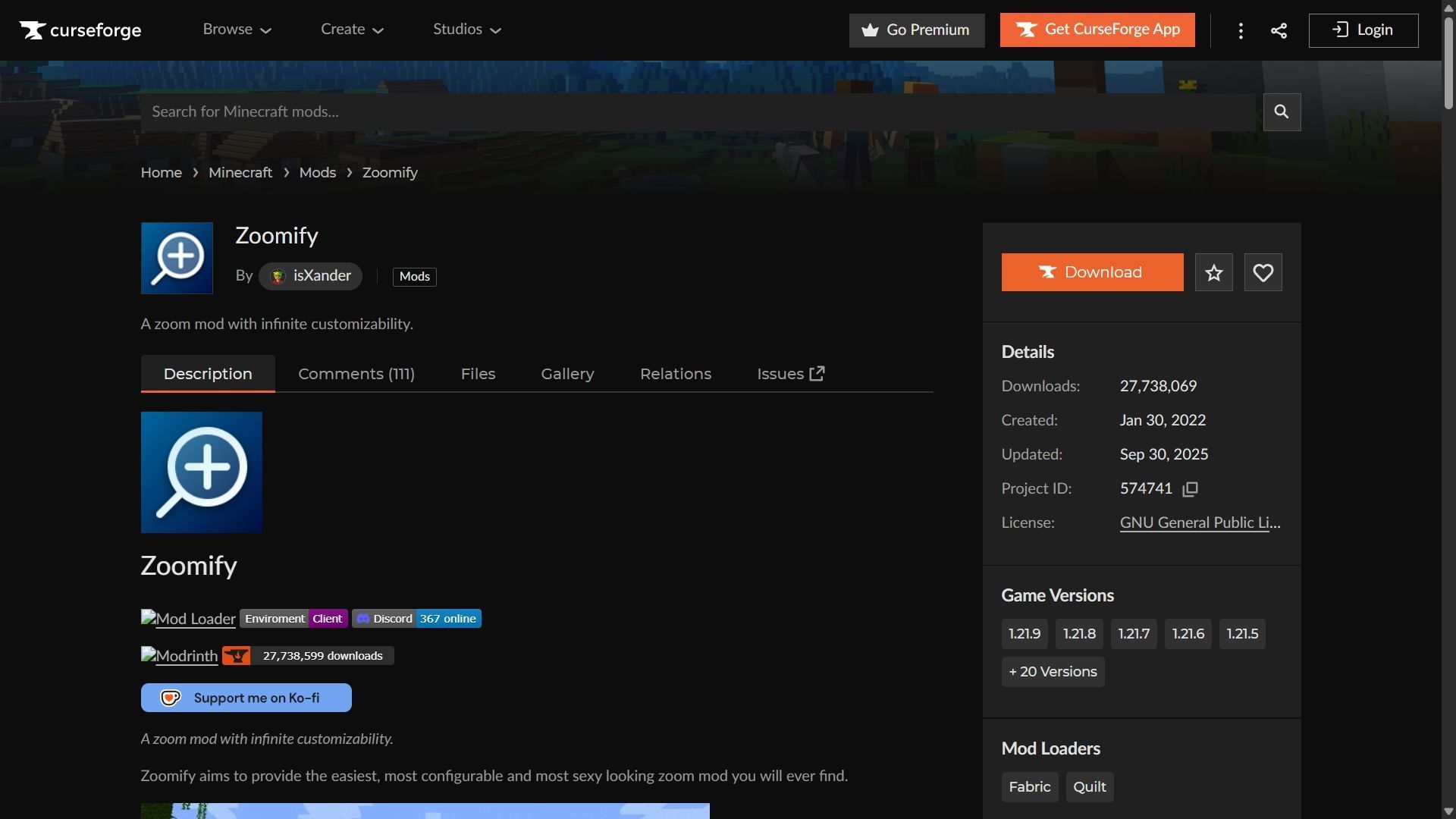
Here is a short guide on downloading and installing the Minecraft Zoomify mod:
- Download and install Fabric for the game version 1.21.9.
- Head to CurseForge and search for the Zoomify mod.
- On the mod's product page, find and download the mod file, which should be compatible with Fabric 1.21.9 as of now.
- Copy and paste the mod files into the "mods" folder in the root Minecraft directory. For me, it's C:\Users\admin\AppData\Roaming\.minecraft.
- Open the title's launcher and find the Fabric 1.21.9 modded game version.
- Open the game, enter a world, and start zooming in on far-off objects using Zoomify.
Check out our latest articles on Minecraft:
- How to download Minecraft Bedrock 1.21.121 update
- How to get free Scouter face accessory in Minecraft Bedrock
- How to download Minecraft Bedrock 1.21.130.26 beta and preview

Uncover new worlds with our Minecraft Seed Generator!


