


'%20x='0'%20y='0'%20height='100%25'%20width='100%25'%20%0A%20%20%20%20%20%20%20%20%20%20xlink%3Ahref='data:image/jpg;base64,/9j/2wBDAAYEBQYFBAYGBQYHBwYIChAKCgkJChQODwwQFxQYGBcUFhYaHSUfGhsjHBYWICwgIyYnKSopGR8tMC0oMCUoKSj/2wBDAQcHBwoIChMKChMoGhYaKCgoKCgoKCgoKCgoKCgoKCgoKCgoKCgoKCgoKCgoKCgoKCgoKCgoKCgoKCgoKCgoKCj/wgARCAAGAAoDASIAAhEBAxEB/8QAFgABAQEAAAAAAAAAAAAAAAAAAAUG/8QAFQEBAQAAAAAAAAAAAAAAAAAAAwT/2gAMAwEAAhADEAAAAMzFIF//xAAhEAABAwEJAAAAAAAAAAAAAAADAQIEAAUGERYhJTFhcf/aAAgBAQABPwDPU8sM0lkSAFSERjCNAivH5jpRL1W4pHbtL56Sv//EABkRAAEFAAAAAAAAAAAAAAAAAAIAAQMUMf/aAAgBAgEBPwC3OWm6/8QAGBEAAgMAAAAAAAAAAAAAAAAAAQMAAjH/2gAIAQMBAT8ACFjKif/Z'%3E%3C/image%3E%3C/svg%3E)

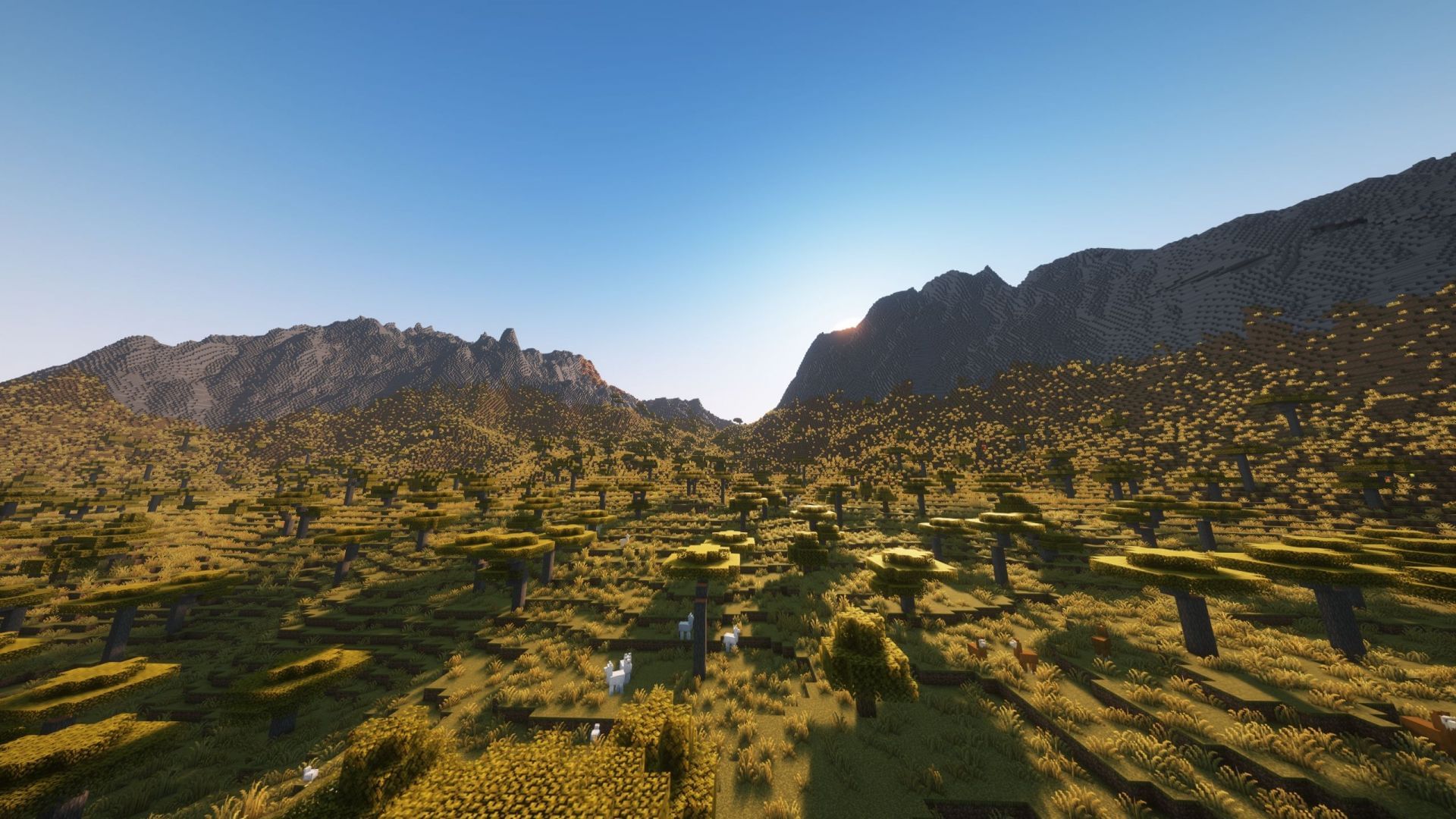
Minecraft Still Life is one of the most unique terrain and biome generation mods or datapacks out there. Since the sandbox's unique code can procedurally generate terrain for eternity, several modders have come up with unique mods to change how the game generates the in-game world. At a glance, the vanilla terrain might look realistic, but many modders have created far more realistic terrain generation mods. One such mod is Still Life.
Here are more details about the Still Life mod for Minecraft.

Features and download guide for Minecraft Still Life mod
What does the Minecraft Still Life mod offer?
Chart New Territories with the ultimate Minecraft Seed Generator!
 Trending
Still Life is a highly detailed Minecraft mod or datapack that reworks the Overworld realm to make it more natural and realistic. It replaces vanilla surface biomes with new, thoughtfully composed counterparts and even introduces numerous transitional biomes to smooth out biome blend lines.
Each biome has an increased density of shrubs, flowers, and trees without introducing new blocks or items, thereby preserving the vanilla feel. The datapack also adds unique cave biomes that contrast with the more realistic surface generation.
Still Life requires Lithosphere to function and must be placed above Lithosphere in the world’s data-pack loading sequence while creating a new world. This is because both the datapacks are developed by the same modder, and the modder intended for them to work together for the best experience.
Still Life is compatible with several platforms and loaders, including Fabric, Forge, NeoForge, and Quilt, and supports modern Java versions. It can integrate with Dungeons & Taverns, and Towns & Towers, but should not be combined with other biome-overhaul datapacks or mods such as Terralith or Biomes O’ Plenty.
Still Life is under development; hence, beta users are warned of occasional world-generation performance issues and glitches.
How to download and install the Minecraft Still Life mod?
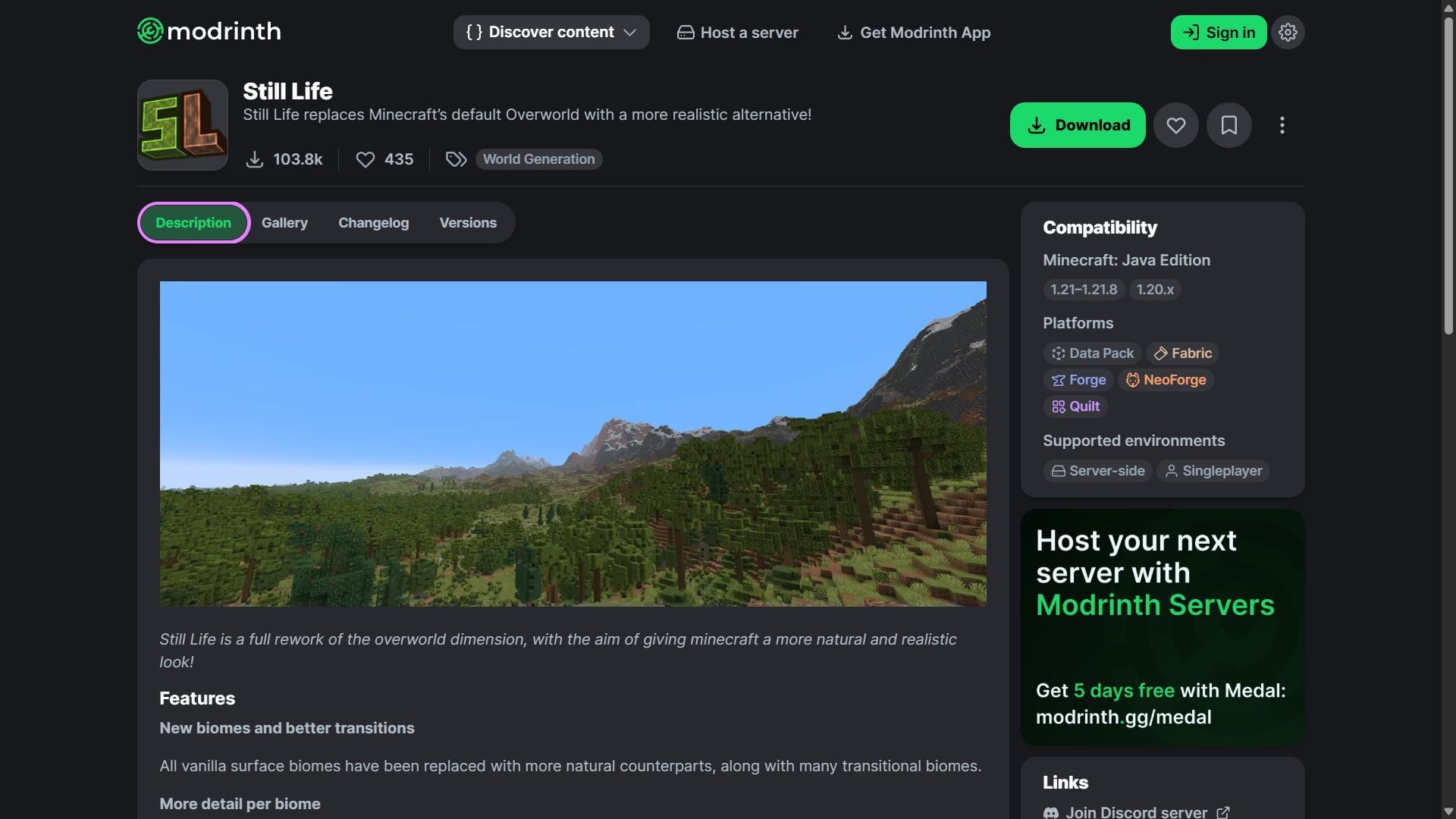
Here is a short guide on downloading and installing the Minecraft Still Life mod:
- Download and install Fabric, Forge, or NeoForge for the game version 1.21.8.
- Head to CurseForge and search for the Still Life mod/datapack.
- On the mod's product page, find and download the mod file, which should be compatible with Fabric, Forge, or NeoForge 1.21.8 as of now.
- Also download Lithosphere for Fabric, Forge, or NeoForge 1.21.8 as well.
- Copy and paste the mod files into the "mods" folder in the root Minecraft directory. For me, it's C:\Users\admin\AppData\Roaming\.minecraft.
- Open the title's launcher and find the Fabric, Forge, or NeoForge 1.21.8 modded game version.
- Open the game, create a new world, and witness brand new biomes generating with unique terrain.
Check out our latest articles on Minecraft:
- Minecraft Mounts of Mayhem almost ready, as game drop receives its final features
- "It just keeps getting better": Minecraft fans react to new coral zombie nautilus
- Latest Minecraft Java snapshot adds new zombie nautilus variant

Uncover new worlds with our Minecraft Seed Generator!


