


'%20x='0'%20y='0'%20height='100%25'%20width='100%25'%20%0A%20%20%20%20%20%20%20%20%20%20xlink%3Ahref='data:image/jpg;base64,/9j/2wBDAAYGBgYHBgcICAcKCwoLCg8ODAwODxYQERAREBYiFRkVFRkVIh4kHhweJB42KiYmKjY+NDI0PkxERExfWl98fKf/2wBDAQYGBgYHBgcICAcKCwoLCg8ODAwODxYQERAREBYiFRkVFRkVIh4kHhweJB42KiYmKjY+NDI0PkxERExfWl98fKf/wgARCAAGAAoDASIAAhEBAxEB/8QAFgABAQEAAAAAAAAAAAAAAAAAAAQG/8QAFQEBAQAAAAAAAAAAAAAAAAAAAwT/2gAMAwEAAhADEAAAANFATv8A/8QAIBAAAgAGAgMAAAAAAAAAAAAAAQIAAwQFERIGQRMhYf/aAAgBAQABPwCprOTzJbNNuFN5dsAiQNULDrPQhbpzAKuHs7DHpnpn2P04aP/EABwRAAIABwAAAAAAAAAAAAAAAAECAAMEEhMxUf/aAAgBAgEBPwBaifcRkbXY/8QAGBEAAgMAAAAAAAAAAAAAAAAAAgMAETL/2gAIAQMBAT8AJKrwM//Z'%3E%3C/image%3E%3C/svg%3E)

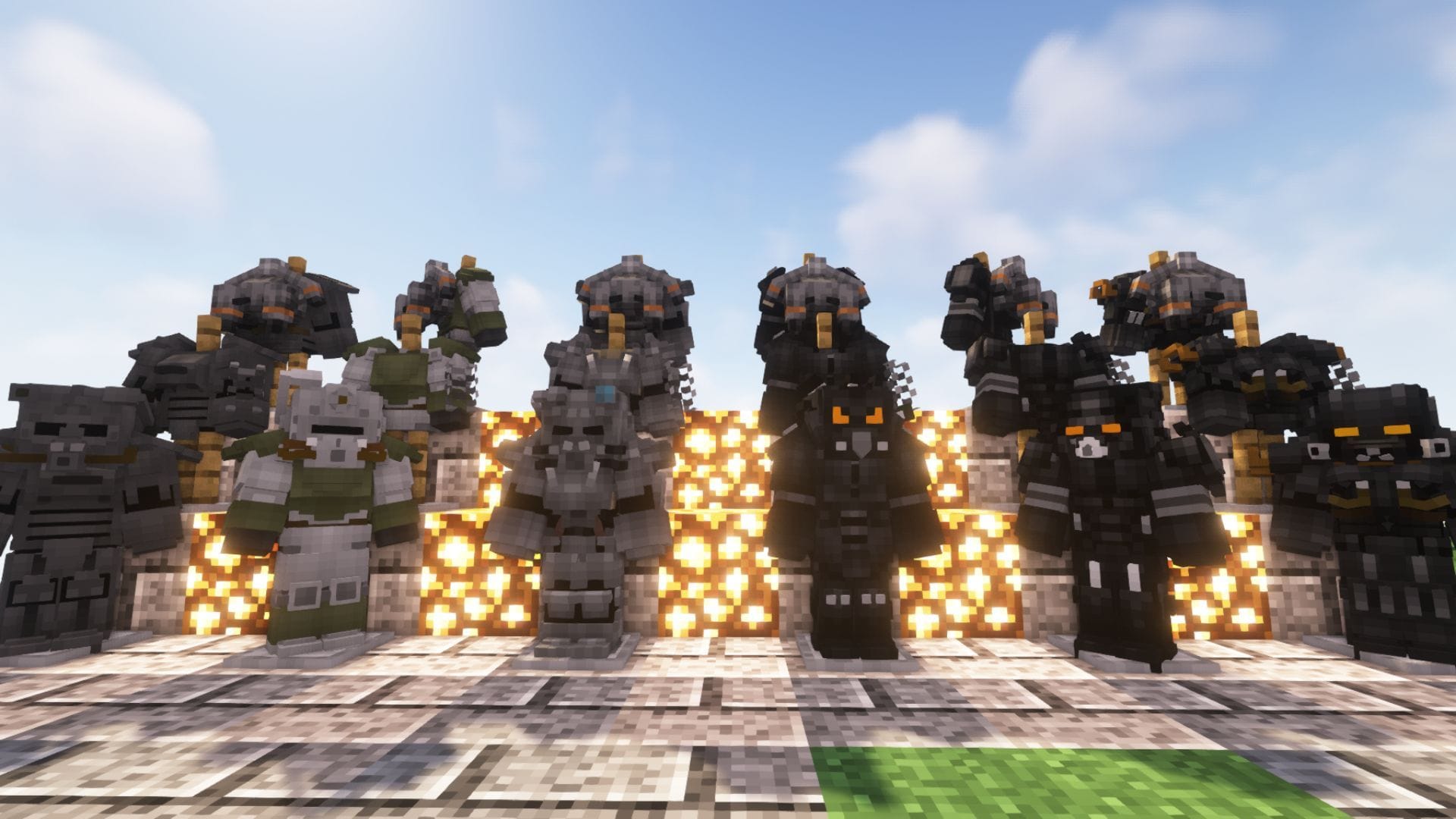
Minecraft Power Armor is a mod that adds Fallout-inspired armor types to the game. Since Mojang's title is a sandbox, players have created all kinds of mods to add features from other popular games to it. Hence, one modder decided to add various kinds of power armors from the Fallout game series.
Here are major details about the Minecraft Power Armor mod, including its features and download guide.

Features and download guide for Minecraft Power Armor mod
What does the Minecraft Power Armor mod offer?
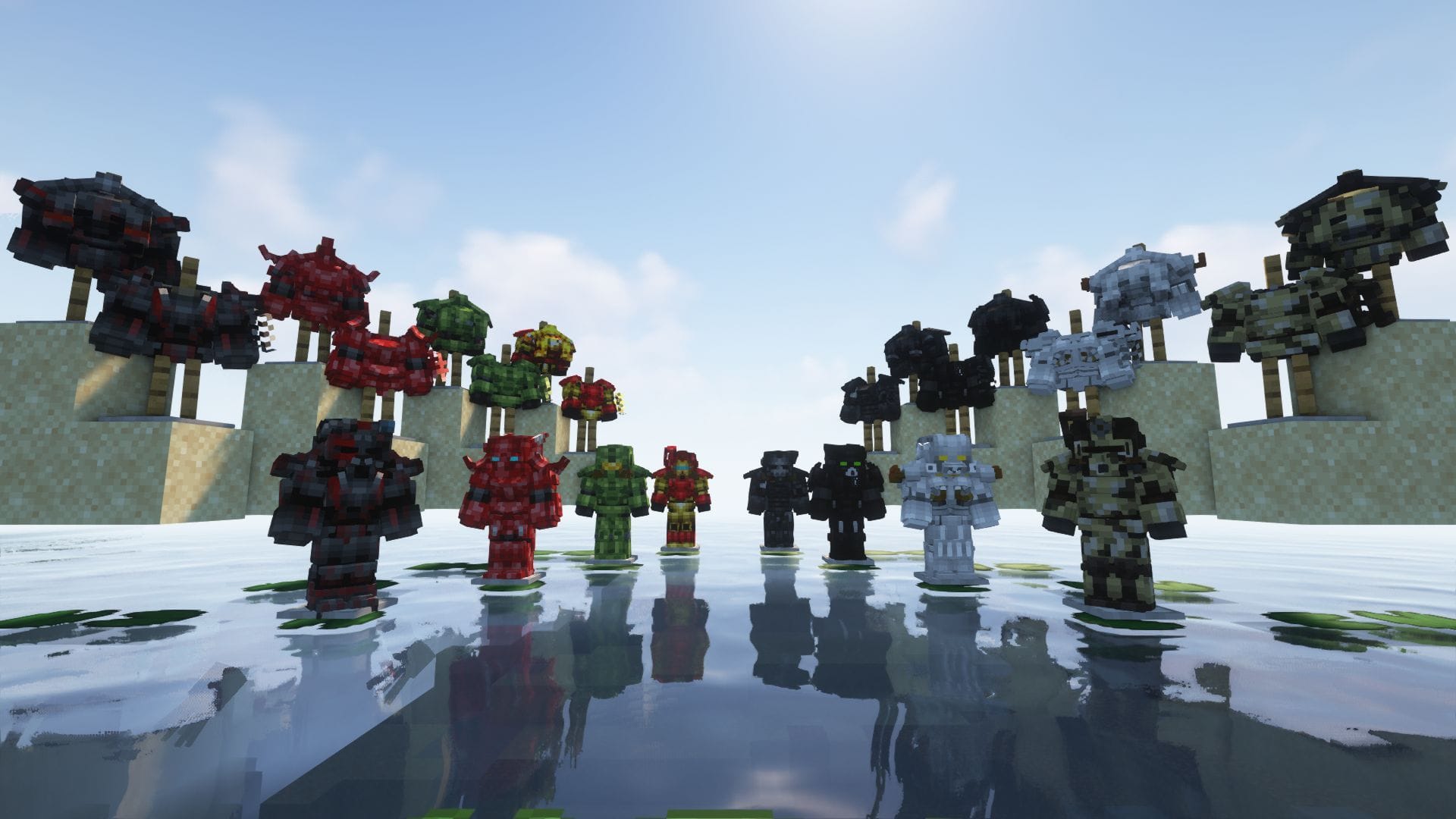
Chart New Territories with the ultimate Minecraft Seed Generator!
Fallout Inspired Power Armor is the full name of the mod that is available on CurseForge. It is a Forge-exclusive mod that brings full Fallout-style power armor systems into Minecraft, turning late-game progression into a hunt for rare tech instead of just finding netherite.
 Trending
It adds multiple iconic armor such as T45, T51, X01, X02, and X03, all significantly stronger than vanilla armor but balanced through dependencies and drawbacks. You don’t just craft these sets directly. Instead, you explore the world to find rusted, abandoned power armor pieces in structures, then repair them using resources like steel or composite materials to restore them to working condition.
The armor added by the mod does not wear like normal gear. You first need a power armor frame and a fusion-core-style power source to run the armor. Without power, the suit slows and debuffs you, emphasizing maintenance over simple damage reduction. Suits offer built-in utilities such as lights and special activated abilities.
Apart from just armors and suits, the mod also adds new dungeons, structure generation, and recruitable companions found in the world. The companions can be tamed with meat and used as mobile storage and backup.
How to download and install Minecraft Power Armor mod?
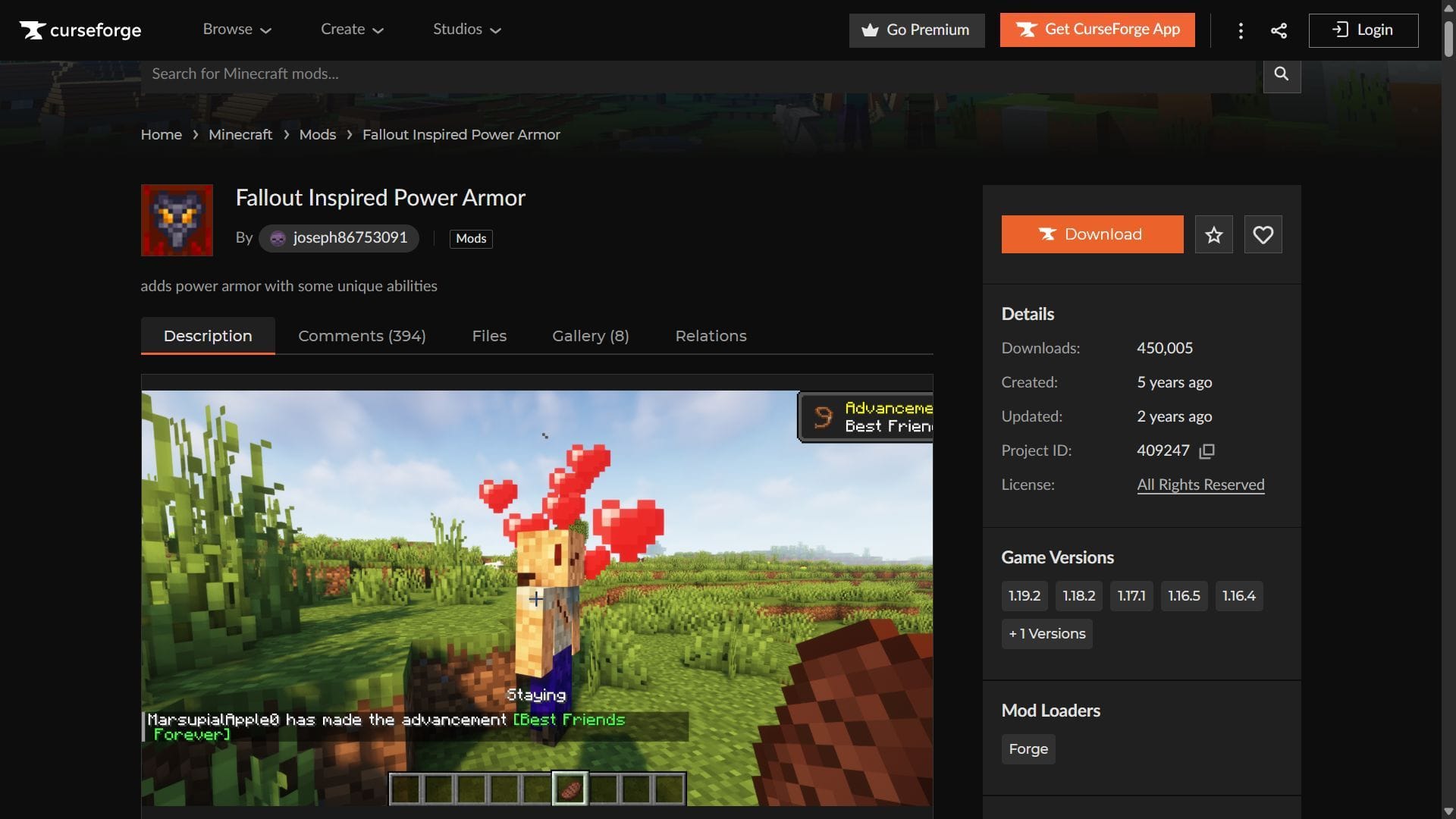
Here is a short guide on downloading and installing the Minecraft Power Armor mod:
- Download and install Forge for the game version 1.19.2.
- Head to CurseForge and search for the Fallout Inspired Power Armor mod.
- On the mod's product page, find and download the mod file, which should be compatible with Forge 1.19.2 as of now.
- Copy and paste the mod files into the "mods" folder in the root Minecraft directory. For me, it's C:\Users\admin\AppData\Roaming\.minecraft.
- Open the title's launcher and find the Forge 1.19.2 modded game version.
- Open the game, create a new world, and start crafting all kinds of new power armors inspired by the Fallout series.
Check out our latest articles on Minecraft:
- How to download Minecraft Bedrock 26.0.23 beta and preview
- Minecraft Bedrock 26.0.23 beta and preview patch notes: New version numbering system, gameplay subtitles, and more
- Minecraft fans are disappointed by the new version numbering system

Uncover new worlds with our Minecraft Seed Generator!


