


'%20x='0'%20y='0'%20height='100%25'%20width='100%25'%20%0A%20%20%20%20%20%20%20%20%20%20xlink%3Ahref='data:image/jpg;base64,/9j/2wBDAAYGBgYHBgcICAcKCwoLCg8ODAwODxYQERAREBYiFRkVFRkVIh4kHhweJB42KiYmKjY+NDI0PkxERExfWl98fKf/2wBDAQYGBgYHBgcICAcKCwoLCg8ODAwODxYQERAREBYiFRkVFRkVIh4kHhweJB42KiYmKjY+NDI0PkxERExfWl98fKf/wgARCAAGAAoDASIAAhEBAxEB/8QAFgABAQEAAAAAAAAAAAAAAAAAAAYH/8QAFQEBAQAAAAAAAAAAAAAAAAAABAX/2gAMAwEAAhADEAAAAM0hw9b/xAAdEAADAAICAwAAAAAAAAAAAAABAgMEBQASBiNS/9oACAEBAAE/ANN5BgLqMvBpq5UNkX2sB3Qr8nlrwNqEIwHc8//EABoRAAICAwAAAAAAAAAAAAAAAAECAAMREiH/2gAIAQIBAT8A0VbbABjs/8QAGREAAQUAAAAAAAAAAAAAAAAAAgADEiEx/9oACAEDAQE/AHDKAXq//9k='%3E%3C/image%3E%3C/svg%3E)

Despite Minecraft Dungeons’ poor performance in terms of sales, there are still a lot of players who still enjoy the game and play it actively. There are a lot of interesting things to explore in this world, new combat mechanics, and even some exclusive mobs that even the main game does not have. Just like any other game, Dungeons is more fun to play with friends.
A question that might pop up in your head is whether Minecraft Dungeons allows cross-platform play or not. For those who do not know, the option of cross-platform play allows you to play with anyone regardless of their platform.
This means that a player with an Xbox can play the game with someone who is playing it on PC or PlayStation. Here’s everything you need to know about the cross-platform feature of Minecraft Dungeons.
 Trending

Chart New Territories with the ultimate Minecraft Seed Generator!
Minecraft Dungeons allow cross-play
If you are looking to play the game with someone else on a different platform, you are in luck because Minecraft Dungeons is cross-platform. It natively supports cross play and if you are not able to start the game in that mode, then you will need to change a few settings. Thankfully, these steps are quite easy.
When you are in the game, make sure that you are logged in with your account. Then, head over to the “Settings” option from the in-game menu and then select the “Game” option. Here, you will find the option to configure cross-platform. Toggle it on using your left joystick and you are set.
Now, if you are playing the game on PC, PlayStation, or Nintendo Switch, you will need to do one extra step; linking your Microsoft account (the same connected to the game) with your PlayStation, Steam, or Nintendo account. This enables Microsoft to confirm that you own the game and allow cross-play.
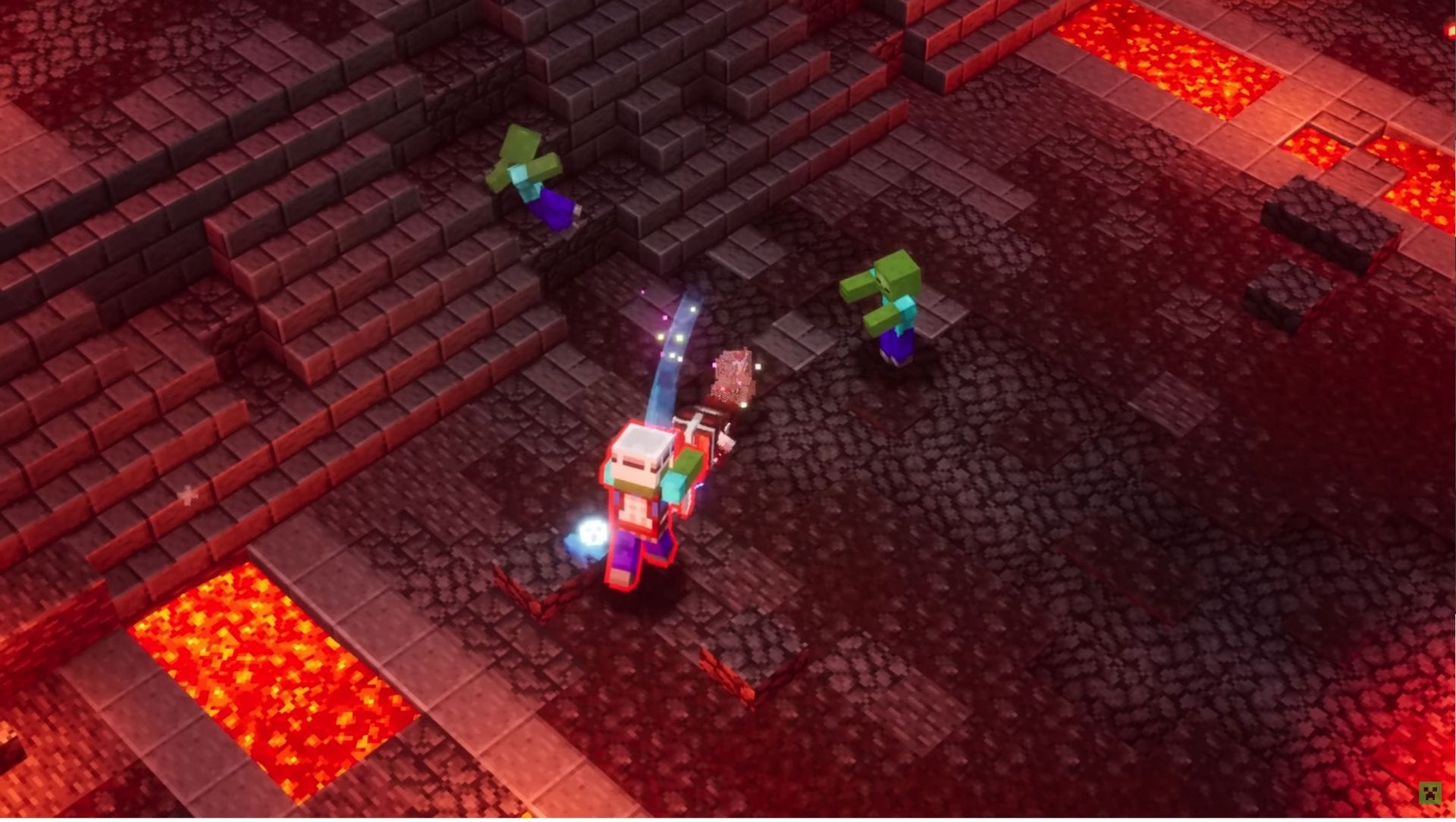
Once linked, enable cross-play and you will be set. All you need to do is join the other player’s game and you can start the multiplayer experience of Minecraft Dungeons. In some cases, the “Cross-play” option might not be available. Try updating your game and this should fix the issue.
Do note that to play any game in multiplayer mode in any console, be it Xbox, PlayStation, and Nintendo, you will need to get their online subscription. For Xbox you need the Game Pass, for PlayStation you need PS Plus, and for Nintendo you need to have Nintendo Switch Online. These are monthly subscription required to play Dungeons online, not just cross-platform.

Uncover new worlds with our Minecraft Seed Generator!


