


'%20x='0'%20y='0'%20height='100%25'%20width='100%25'%20%0A%20%20%20%20%20%20%20%20%20%20xlink%3Ahref='data:image/jpg;base64,/9j/2wBDAAYGBgYHBgcICAcKCwoLCg8ODAwODxYQERAREBYiFRkVFRkVIh4kHhweJB42KiYmKjY+NDI0PkxERExfWl98fKf/2wBDAQYGBgYHBgcICAcKCwoLCg8ODAwODxYQERAREBYiFRkVFRkVIh4kHhweJB42KiYmKjY+NDI0PkxERExfWl98fKf/wgARCAAGAAoDASIAAhEBAxEB/8QAFgABAQEAAAAAAAAAAAAAAAAAAAMF/8QAFQEBAQAAAAAAAAAAAAAAAAAABAb/2gAMAwEAAhADEAAAANCpOk//xAAeEAADAAEEAwAAAAAAAAAAAAABAgMRAAQSEyExUf/aAAgBAQABPwCd9xROszj1iSVVPIAZj7P040+0Xk2ZITk51//EABsRAAEEAwAAAAAAAAAAAAAAAAIAAQMEIUFh/9oACAECAQE/ACv3YZCGOwbNnfV//8QAGhEBAAEFAAAAAAAAAAAAAAAAAgEAAxEhQf/aAAgBAwEBPwC8A1lAzqOV/9k='%3E%3C/image%3E%3C/svg%3E)

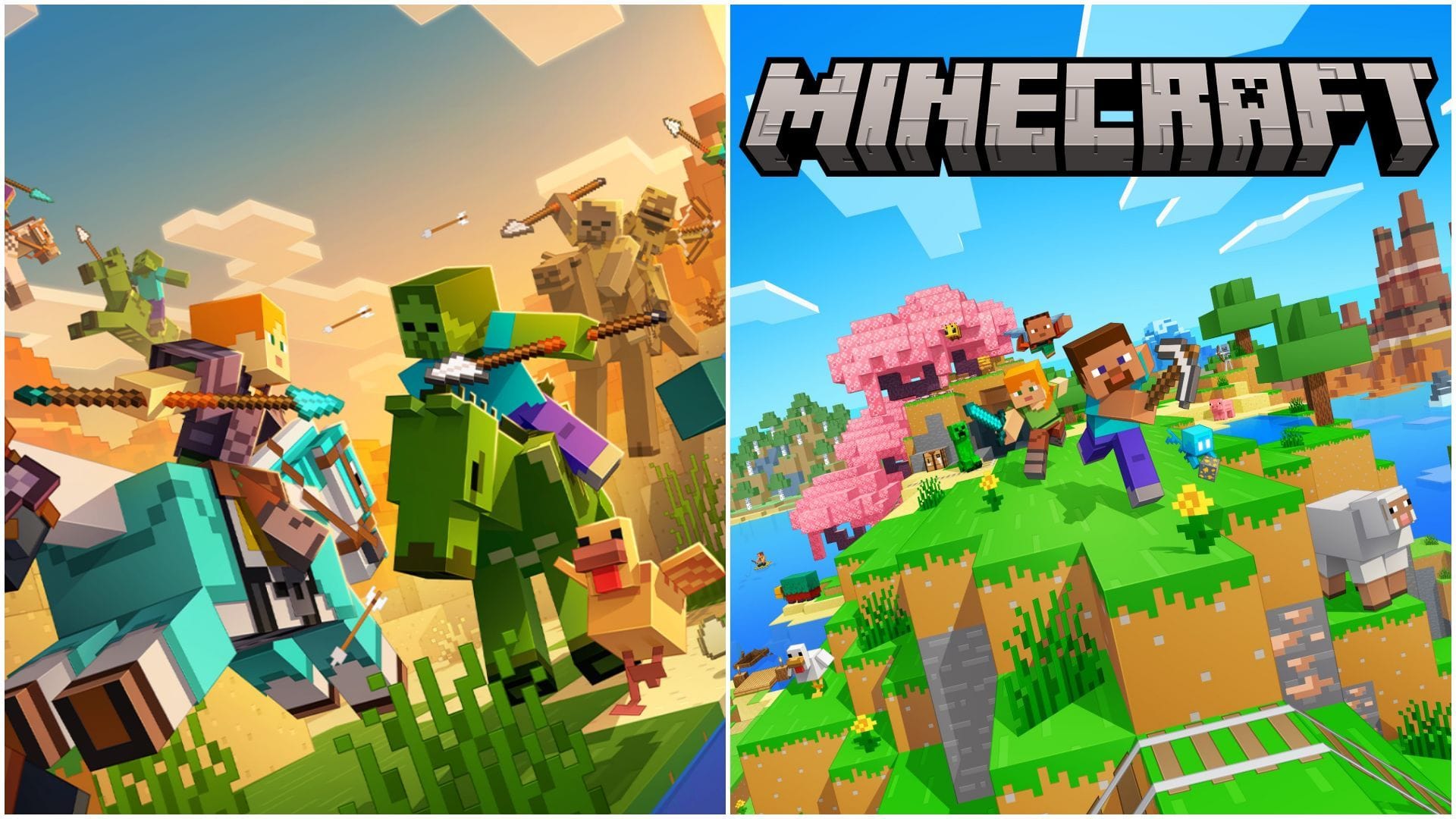
Minecraft Mounts of Mayhem is now out on both Java and Bedrock Editions. This game drop brings loads of new features like nautilus, zombie nautilus, parched skeleton, camel husk, zombie horse, spear, and much more. This is the fourth and last game drop released by Mojang in 2025.
Whenever an update is released, the Java Edition almost always automatically updates through the launcher. The "latest release" usually shows the latest game version. However, this might not be the case with Bedrock Edition, especially on devices apart than Windows. Hence, here is a short guide on manually checking for Mounts of Mayhem game drops on Bedrock Edition.

Steps to check for Mounts of Mayhem game drop in Minecraft Bedrock
Windows
 Trending

Chart New Territories with the ultimate Minecraft Seed Generator!
If you are on Windows, you can either update Minecraft Bedrock to Mounts of Mayhem from the game's launcher or by heading to the Microsoft Store and searching for the game.
Here are the steps to manually update the game through the Microsoft Store:
- Open Microsoft Store.
- Search for "Minecraft for Windows" in the search bar.
- Select the main game that pops up in the search results.
- Wait for an update button to show up beside the play button.
- Hit the update button to get the Mounts of Mayhem.
- If the update button is not visible, wait for it to appear later in the day.
Here are the steps to manually update the game through the Minecraft launcher:
- Open Minecraft Launcher.
- From the left-side panel, select "Minecraft Bedrock Edition.
- Select "Installation" from the top panel.
- Click on the "Check for Updates" button under the Bedrock Edition section.
- If the update is made available, the launcher will start downloading it.
Also Read: Minecraft spear guide: Crafting recipe, uses, and more
Android/iOS

Here are the steps to manually update the game on Android or iOS:
- Open Google Play Store or App Store.
- Search for Minecraft.
- On the product page, an update button should show up beside the play button.
PlayStation

Here are the steps to manually update the game on PlayStation:
- Head to the Home screen.
- Highlight Minecraft, but do not open it.
- Press the Options button (three lines on your controller).
- Select Check for Update.
- If an update is available, it will start downloading automatically.
Xbox

Here are the steps to manually update the game on Xbox:
- Press the Xbox button on the controller.
- Go to "My Games & Apps", then select "See All".
- Open "Manage" on the left.
- Select "Updates".
- If Minecraft has an update, it should show up here.
- Hit "Update" and the game will start updating to Mounts of Mayhem.
Nintendo

Here are the steps to manually update the game on Nintendo
- Go to the Switch Home Menu.
- Highlight Minecraft, but do not open it.
- Press the + (Plus) button on the controller.
- Select Software Update.
- Choose Via the Internet.
- If an update is available, it will start downloading right away.
Check out our latest articles on Minecraft:
- All details about new stopwatch command in Minecraft Mounts of Mayhem
- 5 things to do before Minecraft Mounts of Mayhem game drop
- Minecraft Mounts of Mayhem mob location guide

Uncover new worlds with our Minecraft Seed Generator!


