


'%20x='0'%20y='0'%20height='100%25'%20width='100%25'%20%0A%20%20%20%20%20%20%20%20%20%20xlink%3Ahref='data:image/jpg;base64,/9j/2wBDAAYGBgYHBgcICAcKCwoLCg8ODAwODxYQERAREBYiFRkVFRkVIh4kHhweJB42KiYmKjY+NDI0PkxERExfWl98fKf/2wBDAQYGBgYHBgcICAcKCwoLCg8ODAwODxYQERAREBYiFRkVFRkVIh4kHhweJB42KiYmKjY+NDI0PkxERExfWl98fKf/wgARCAAGAAoDASIAAhEBAxEB/8QAFgABAQEAAAAAAAAAAAAAAAAAAAYH/8QAFQEBAQAAAAAAAAAAAAAAAAAAAwT/2gAMAwEAAhADEAAAANAgh4P/xAAfEAEAAQMEAwAAAAAAAAAAAAABAgADBAUGEiERE0H/2gAIAQEAAT8As7vhn4UGemWfWnNF76j5ad75KrHSMEj8HnX/xAAbEQABBAMAAAAAAAAAAAAAAAADAAECEQQSIf/aAAgBAgEBPwDIIQbD0nJru+r/xAAWEQEBAQAAAAAAAAAAAAAAAAABEQD/2gAIAQMBAT8AWrZv/9k='%3E%3C/image%3E%3C/svg%3E)

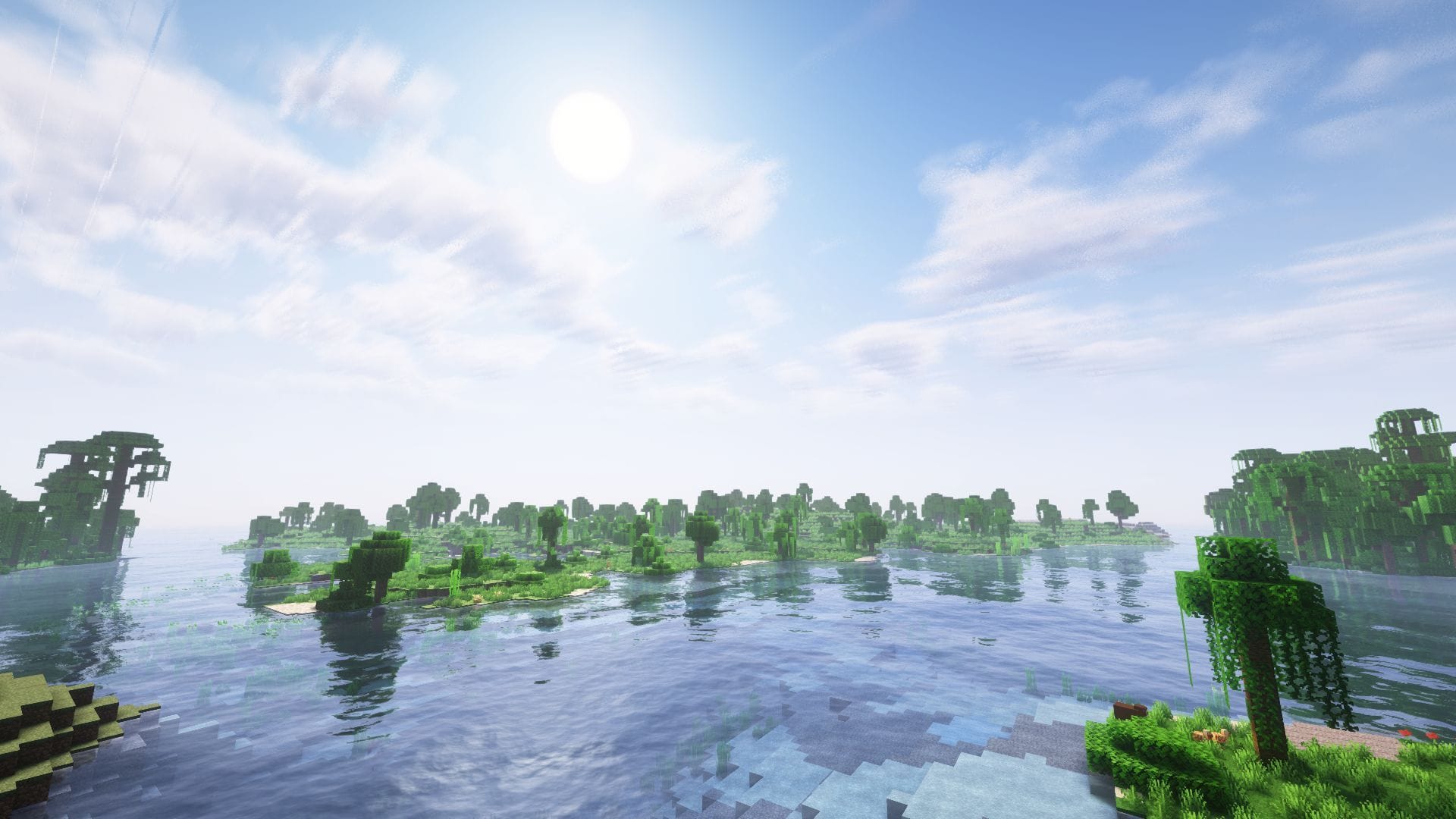
The Mounts of Mayhem drop is out now, and players are looking to install the popular Minecraft Sodium 1.21.11 mod to improve framerates and optimise the overall gameplay experience. It is a nifty rendering optimization mod that enables you to experience a significant enhancement in the graphical quality without putting excessive stress on your existing system specification.
Here's how you can get your hands on Minecraft Sodium 1.21.11.

Guide to installing and using Minecraft Sodium 1.21.11
1) Download and install the base API
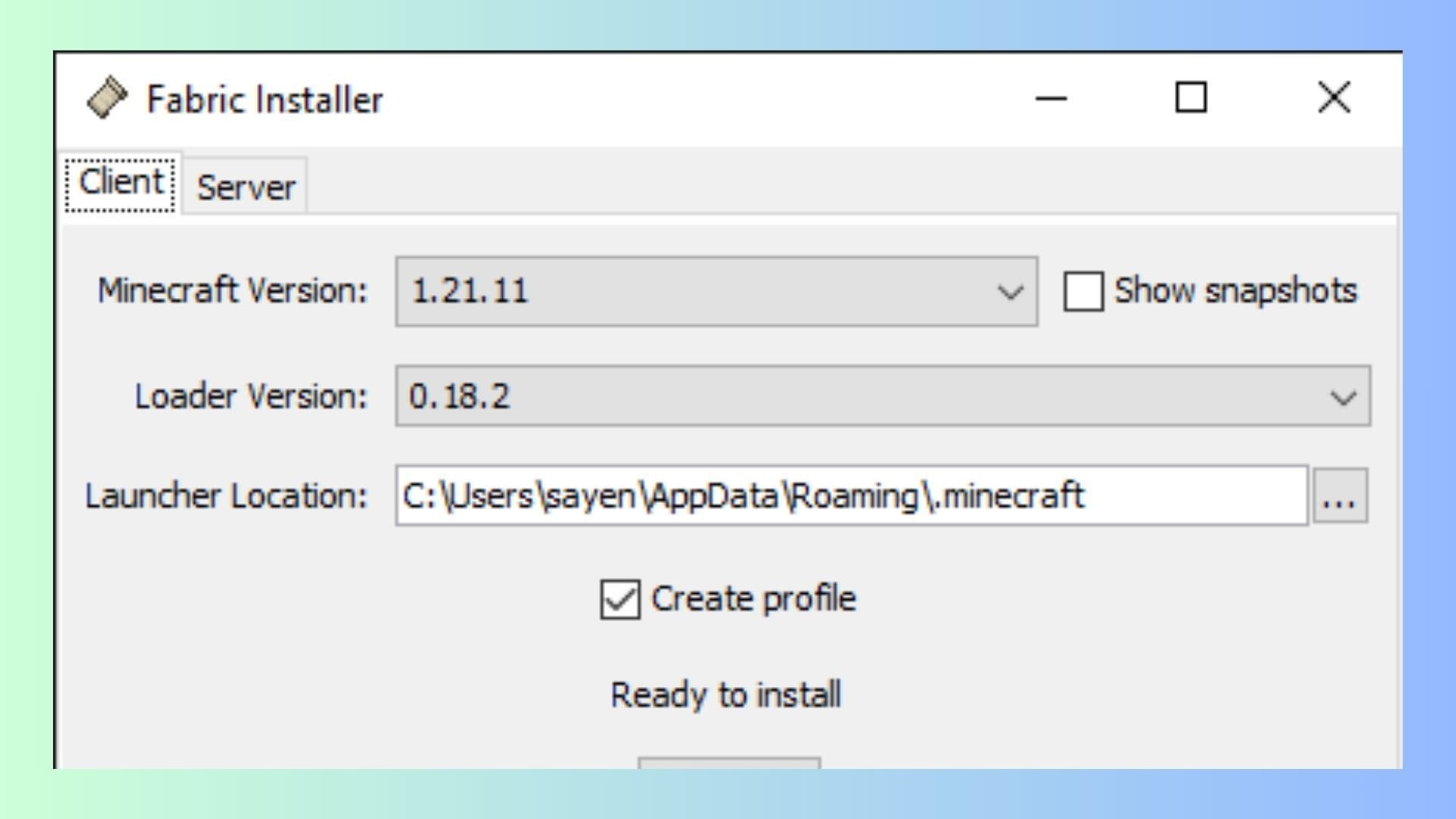
Chart New Territories with the ultimate Minecraft Seed Generator!
Minecraft Sodium 1.21.11 requires a base API as a dependency that allows you to install and run the mod within the game. While Sodium supports Fabric, Quilt, and NeoForge, we will use Fabric 1.21.11 for this guide since it is a popular choice used as a dependency by thousands of other mods.
 Trending
Head over to the official Fabric website and get your hands on the latest build for Minecraft 1.21.11. Now, click on the blue "Download" button on the right side of the version listing and save the executable file in a directory of your choice.
Once downloaded, follow these steps to install Minecraft Fabric for 1.21.11:
- Double-click or run the Fabric installer.
- Once the installer launches, make sure the Minecraft version is displayed as 1.21.11. It is recommended that you set the Loader version to the system defaults unless you wish to run an older generation. However, this will not support the current generation of Sodium.
- Next, select the directory to install the Fabric launcher. It is recommended to keep the directory set to your default Minecraft installation location that ends with ".minecraft".
- Once done, make sure to check the "Create Profile" option/box.
Next, simply click the "Install" button at the bottom and wait for Fabric to get installed. Once done, open the Minecraft launcher to check the list of instances to confirm your installation.
2) Install the Sodium mod
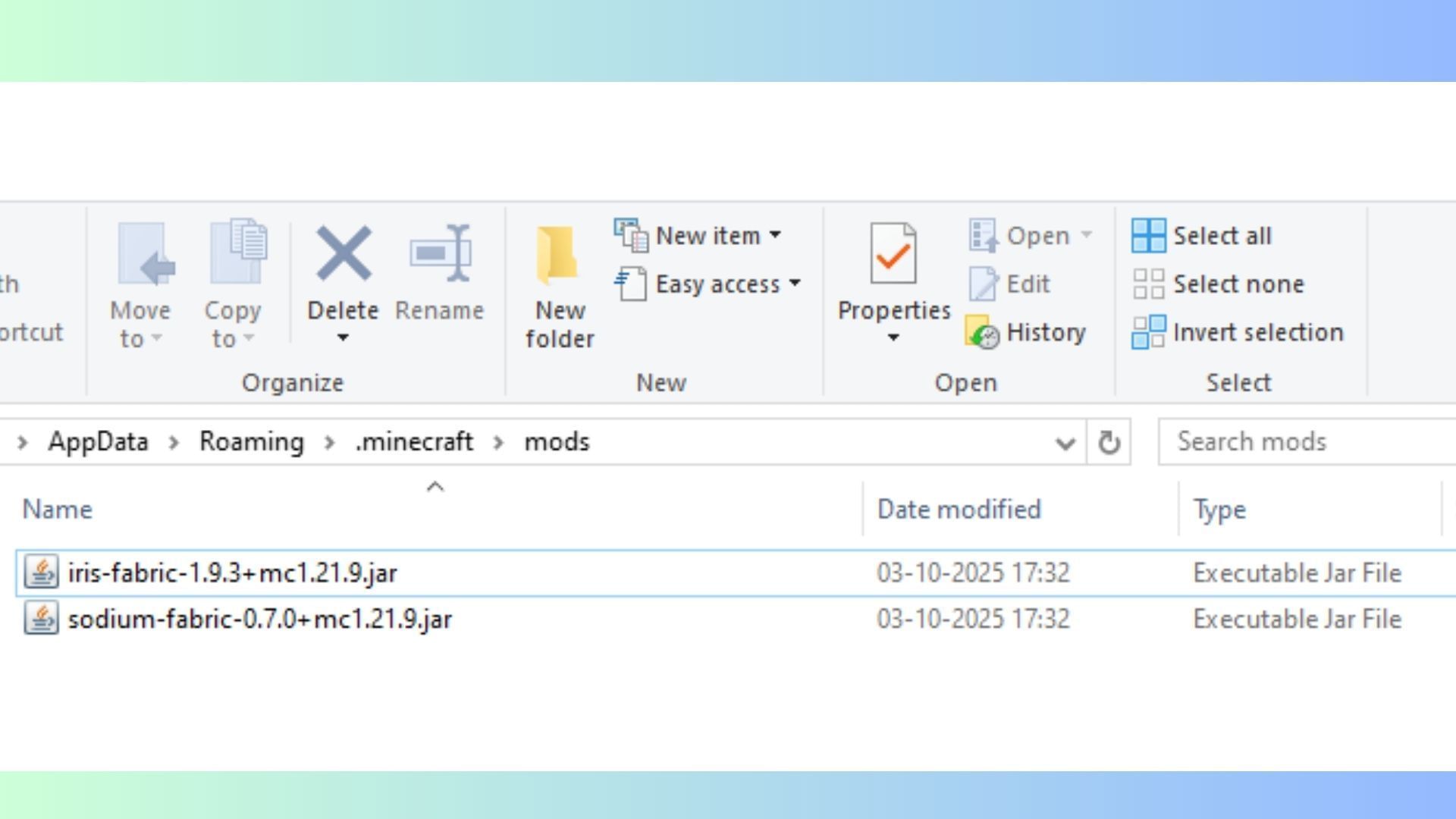
Once you've finished installing Fabric, you can then install the Sodium mod and get it ready for use. Here's how you can install and get the mod ready:
- Obtain the Sodium mod from online repositories such as CurseForge and Modrinth.
- Download and place the ZIP file in any directory of your choice.
- Now, open the mods folder of your Minecraft instance and simply drag and place the downloaded Sodium file. If you do not have a dedicated mods folder, just create one and paste the ZIP file into it.
Also read: How to get Minecraft Fabric 1.21.11
3) Run the game with Minecraft Sodium 1.21.11 installed
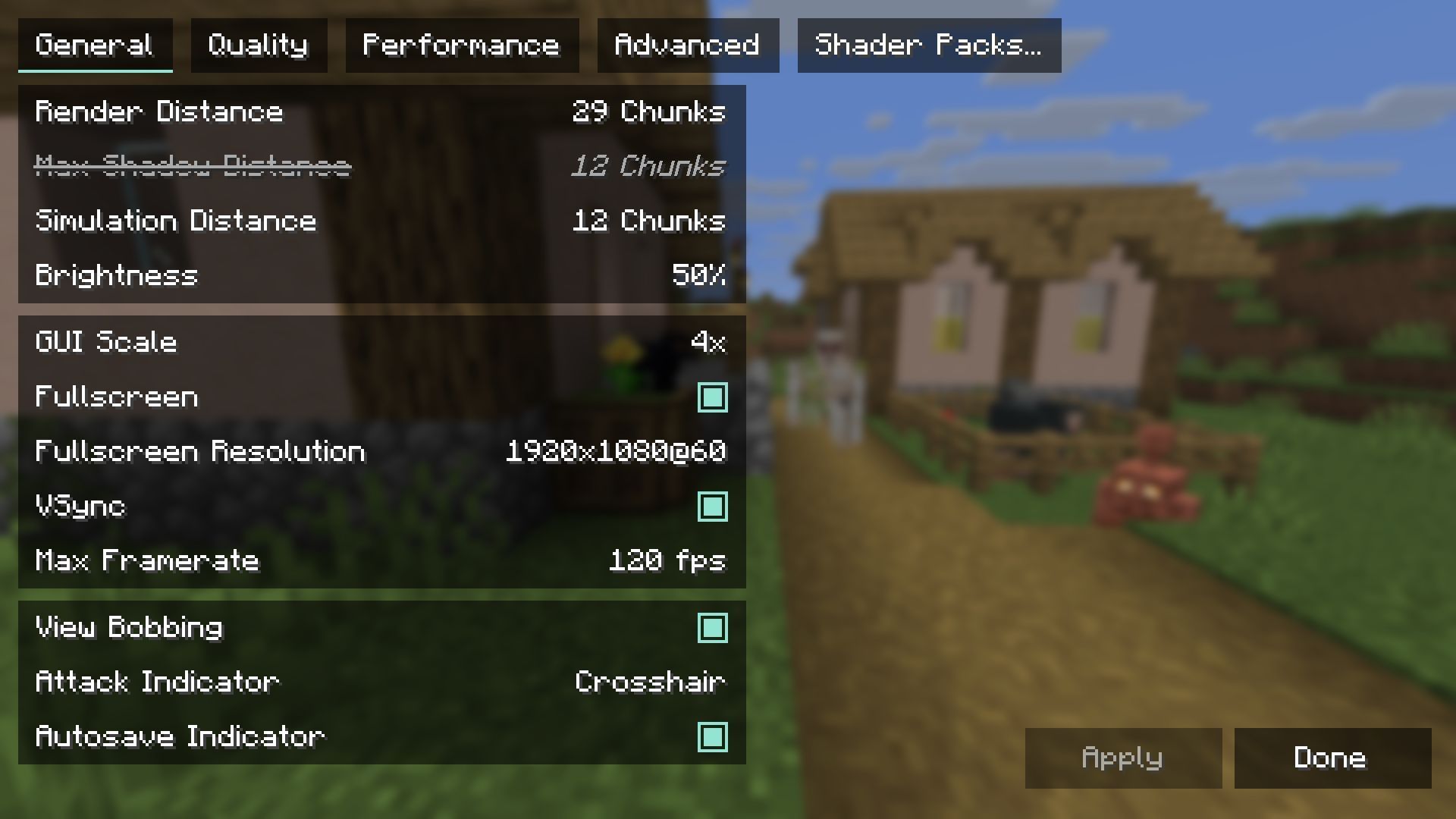
Once you finish installation, open the Minecraft launcher and look for your instance with Fabric 1.21.11 installed. Simply run it and head to the Options tab. You will now have access to all the customization options and enhancements offered by Minecraft Sodium 1.21.11.
While you can use the mod natively for performance boosts, Minecraft Sodium 1.21.11 can be used alongside most packs, including shader mods like Iris Shaders and Optifine. Additionally, the installer for Iris Shaders comes with a bundled add-on that offers Sodium during installation. Most resource-intensive packs make use of this nifty mod to optimise in-game performance with ease.
Also read: New Minecraft version naming system explained
Check out our other Minecraft articles:
- How to get and use the Reese's Sodium Options mod
- Cool ways to use shelves
- How to get boss mob spawn eggs
- How to sort items using a copper golem
- 4 best mods to bring mobs to life
- All the Minecraft fishing enchantments explained

Uncover new worlds with our Minecraft Seed Generator!


