


'%20x='0'%20y='0'%20height='100%25'%20width='100%25'%20%0A%20%20%20%20%20%20%20%20%20%20xlink%3Ahref='data:image/jpg;base64,/9j/2wBDAAYGBgYHBgcICAcKCwoLCg8ODAwODxYQERAREBYiFRkVFRkVIh4kHhweJB42KiYmKjY+NDI0PkxERExfWl98fKf/2wBDAQYGBgYHBgcICAcKCwoLCg8ODAwODxYQERAREBYiFRkVFRkVIh4kHhweJB42KiYmKjY+NDI0PkxERExfWl98fKf/wgARCAAGAAoDASIAAhEBAxEB/8QAFQABAQAAAAAAAAAAAAAAAAAAAAb/xAAVAQEBAAAAAAAAAAAAAAAAAAADBP/aAAwDAQACEAMQAAAAhJ8Cf//EAB8QAAEDAwUAAAAAAAAAAAAAAAIBAwUABhIEEVFxkf/aAAgBAQABPwCVv26ZE3gOQdBkwxwEuaaipNWgUNWCCopt15X/xAAXEQEAAwAAAAAAAAAAAAAAAAACABIy/9oACAECAQE/AE3bU//EABYRAQEBAAAAAAAAAAAAAAAAAAEAIf/aAAgBAwEBPwBUcv/Z'%3E%3C/image%3E%3C/svg%3E)

Dogs in GTA Online A Safehouse in the Hills update are finally a real thing, and this is the first time Rockstar Games is letting players properly own pets rather than just interact with someone else’s. Alongside new story content, vehicles, and gameplay tweaks, this update quietly adds one of the most personal features GTA Online has ever had.
To be clear, you can’t just buy a dog outright from a store. Owning a pet is tied directly to the new mansion system introduced with the A Safehouse in the Hills update.
Here are the steps to get dogs in GTA Online A Safehouse in the Hills.
How to buy dogs in GTA Online A Safehouse in the Hills update
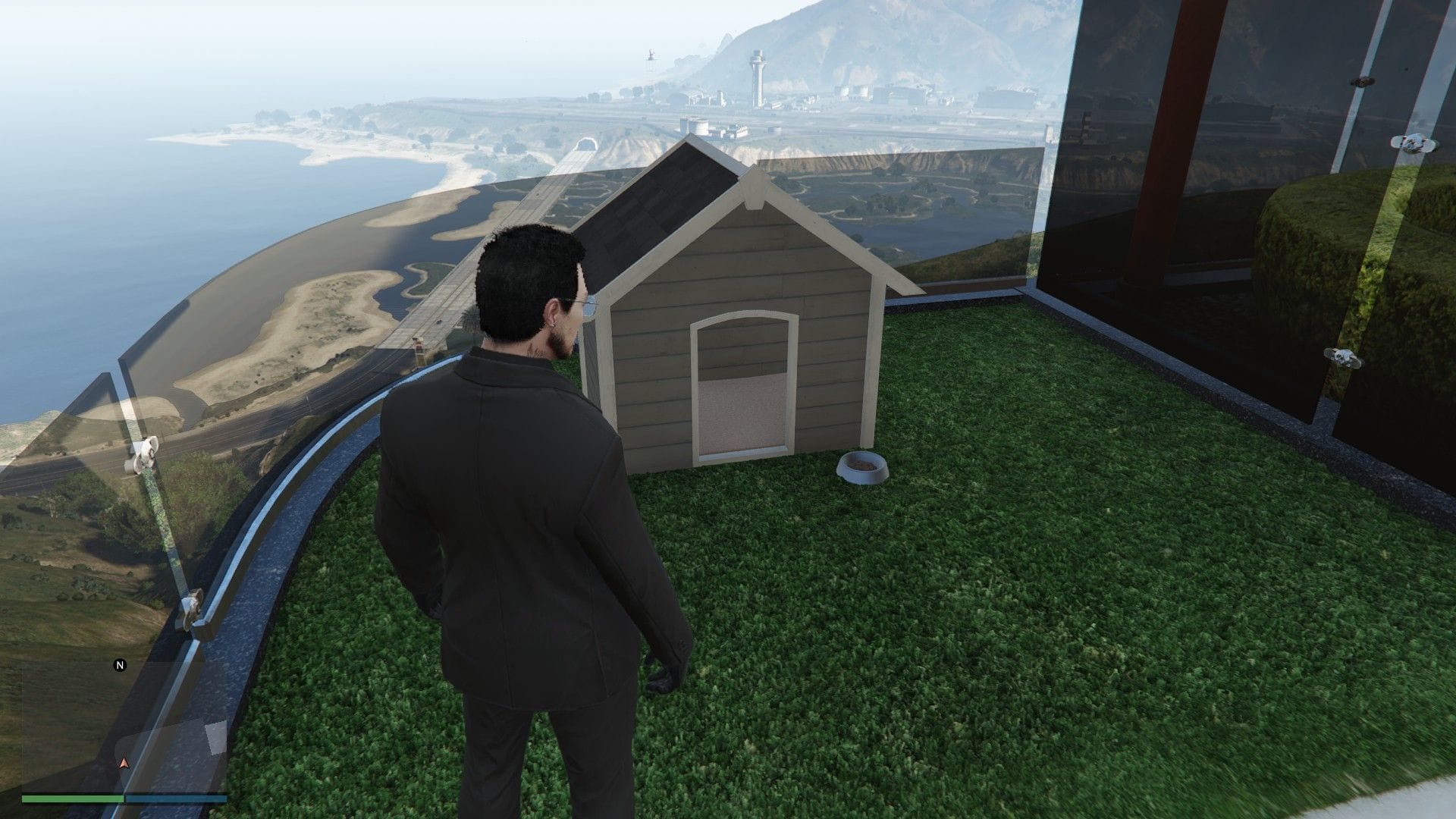
Before anything else, you need to purchase one of the three new purchasable mansions added with the GTA Online A Safehouse in the Hills update. Pets are exclusive to these properties, so apartments, stilt houses, or older safehouses won’t work. After moving in, you will find the kennel outside the main living area, near the driveway and the mansion's exterior grounds.
 Trending
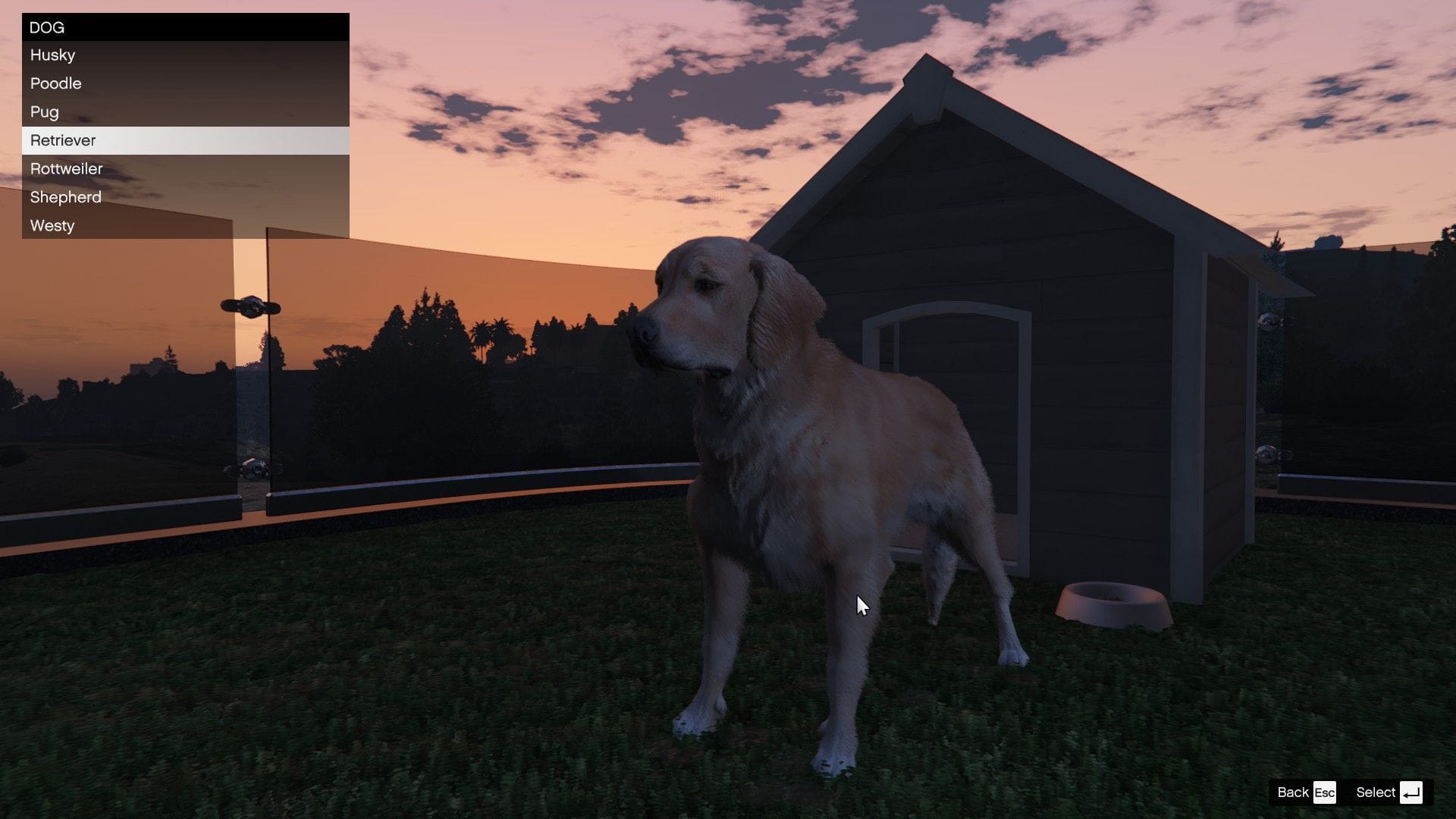
This kennel is where all pet-related actions happen, including buying, renaming, and customizing dogs. Here’s how the process works once you’re at the kennel:
- Open the kennel interaction menu
- Choose to purchase a dog
- Select a breed and color
- Name your dog before confirming the purchase
Each dog costs $15,000, regardless of breed or color. After purchase, the canine immediately becomes part of your mansion and wanders around the property.
If you ever want to change things later, you can return to the kennel, open the menu, and press Y / Triangle (press TAB on PC) to rename your dog or switch its breed and color.
All available dog breeds and colors in GTA Online A Safehouse in the Hills update
There are seven dog breeds available at launch. Each breed supports multiple color options:
- Husky: black, brown, and white
- Poodle: white
- Pug: black, brown, tan, cream
- Retriever: gold, black, cream, brown
- Rottweiler: black, brown, brindle, gray, red, light brown
- Shepherd: black, brown, merle
- Westy: black, brown, white
Each breed costs the same, so the choice is purely cosmetic.
How to pet your dog
Once your dog is roaming the mansion grounds, interacting is simple:
- Walk up to your dog.
- Press the right D-pad button/ press E on PC.
- Your character will kneel down and pet them.
It’s a small interaction, but it adds a surprising amount of life to the property.
If this article is to your liking, you can check other GTA content below:
- GTA Online A Safehouse in the Hills update size on PC, PS5, and Xbox Series X/S
- How to get Aquarius yacht for free in GTA Online
- All cash bonuses and offers you can make use of before Mansions DLC
- How to download GTA Online A Safehouse in the Hills update


