


'%20x='0'%20y='0'%20height='100%25'%20width='100%25'%20%0A%20%20%20%20%20%20%20%20%20%20xlink%3Ahref='data:image/jpg;base64,/9j/2wBDAAYGBgYHBgcICAcKCwoLCg8ODAwODxYQERAREBYiFRkVFRkVIh4kHhweJB42KiYmKjY+NDI0PkxERExfWl98fKf/2wBDAQYGBgYHBgcICAcKCwoLCg8ODAwODxYQERAREBYiFRkVFRkVIh4kHhweJB42KiYmKjY+NDI0PkxERExfWl98fKf/wgARCAAGAAoDASIAAhEBAxEB/8QAFgABAQEAAAAAAAAAAAAAAAAAAAQF/8QAFQEBAQAAAAAAAAAAAAAAAAAAAgP/2gAMAwEAAhADEAAAAK8cFv/EAB4QAAIBBQADAAAAAAAAAAAAAAECBQADBAYREhNB/9oACAEBAAE/AM3Z56Lx/NVx39pCICzcUt9q5Jbw9x3SaCqzEqASOCv/xAAYEQACAwAAAAAAAAAAAAAAAAAAAgMhIv/aAAgBAgEBPwCXL0f/xAAXEQADAQAAAAAAAAAAAAAAAAABAhEA/9oACAEDAQE/AHFY3f/Z'%3E%3C/image%3E%3C/svg%3E)

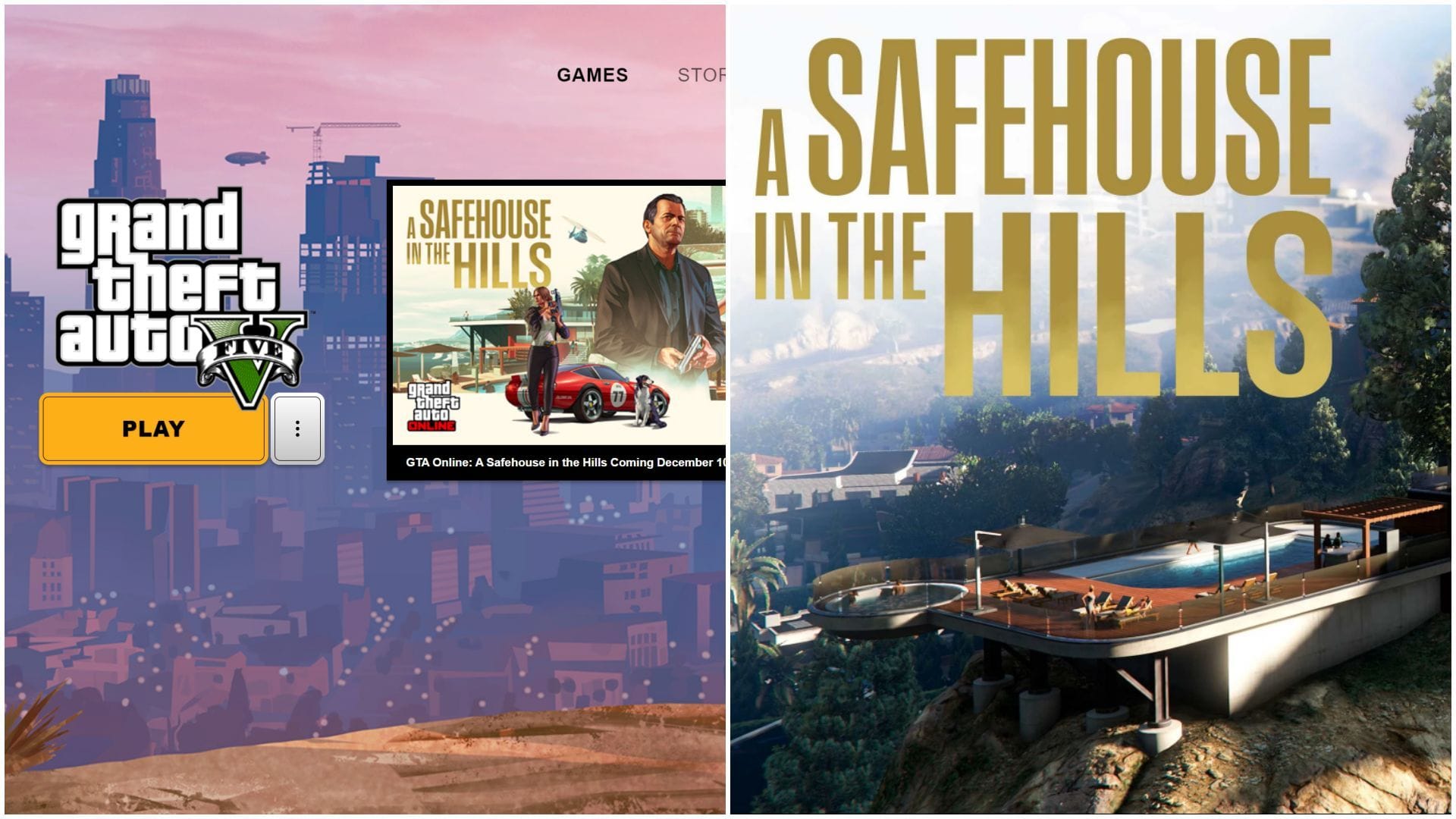
GTA Online A Safehouse in the Hills update is finally out. This DLC introduces mansions, which are among the most requested properties in the community. Ever since the game released in 2013, fans have been asking for purchasable mansions to flaunt their money. The popular protagonist from GTA 5, Michael De Santa, is also coming to GTA Online for the first time in this update.
Now that the DLC is out, here is a short guide on how to download the GTA Online A Safehouse in the Hills update on PC, PlayStation, and Xbox.
Steps to download GTA Online A Safehouse in the Hills update
For Rockstar Games Launcher

If you are playing on PC, you will most likely have the Rockstar Games Launcher, from where you can update GTA Online. The update size on PC will be around 4.9 GB.
 Trending
Here are the steps to download the GTA Online A Safehouse in the Hills DLC on PC:
- Open Rockstar Games Launcher.
- Select GTA 5 Enhanced from "My Library" from the left panel.
- If the update is out, an update button should show up.
- Click on it and wait for the update to download.
- If no update is shown, restart the launcher and keep checking. It might take some time for Rockstar to push the update.
For PlayStation

Updating GTA Online on PlayStation is also quite easy since players only need to select the game and check for updates. The update size on PlayStation will be around 3.2 GB.
Here are the steps to download the GTA Online A Safehouse in the Hills DLC on PlayStation:
- Head to the Home screen.
- Highlight GTA Online, but do not open it.
- Press the Options button (three lines on your controller).
- Select Check for Update.
- If an update is available, it will start downloading automatically.
For Xbox

Updating the game on Xbox is slightly trickier since players need to head to an update center and search for GTA Online, then place it in the queue to update. The update size on Xbox will be around 5.7 GB.
Here are the steps to download the GTA Online A Safehouse in the Hills DLC on Xbox:
- Press the Xbox button on the controller.
- Go to "My Games & Apps", then select "See All".
- Open "Manage" on the left.
- Select "Updates".
- If the GTA Online update is out, it should show up here.
- Hit "Update," and the game will start updating to A Safehouse in the Hills.
Check out our other content:
- Modder expands GTA 5 map with multiple real-life and fictional locations
- Dan Houser thinks GTA titles aren't "as good as Dickens"
- Is the Vinewood Car Club Garage in GTA Online worth it in 2025?


