


'%20x='0'%20y='0'%20height='100%25'%20width='100%25'%20%0A%20%20%20%20%20%20%20%20%20%20xlink%3Ahref='data:image/jpg;base64,/9j/2wBDAAYEBQYFBAYGBQYHBwYIChAKCgkJChQODwwQFxQYGBcUFhYaHSUfGhsjHBYWICwgIyYnKSopGR8tMC0oMCUoKSj/2wBDAQcHBwoIChMKChMoGhYaKCgoKCgoKCgoKCgoKCgoKCgoKCgoKCgoKCgoKCgoKCgoKCgoKCgoKCgoKCgoKCgoKCj/wgARCAAGAAoDASIAAhEBAxEB/8QAFgABAQEAAAAAAAAAAAAAAAAAAAUH/8QAFAEBAAAAAAAAAAAAAAAAAAAAA//aAAwDAQACEAMQAAAAyqAKf//EABwQAAEFAQEBAAAAAAAAAAAAAAIBAwQFEQAS0v/aAAgBAQABPwCdevV5QC9nJarjVtqPIETbBS3cQt47WG4ZGcAPRLq4IfPf/8QAFhEAAwAAAAAAAAAAAAAAAAAAAAIT/9oACAECAQE/AJqf/8QAFREBAQAAAAAAAAAAAAAAAAAAAQD/2gAIAQMBAT8AC//Z'%3E%3C/image%3E%3C/svg%3E)

Assetto Corsa Rally offers players an immersive rallying experience, powered by a dynamic environment that brings the excitement alive. While the default camera settings offer a great point of view, there are certain aspects that you can tweak if you want to heighten the immersion or play competitively.
Here are the best camera settings in Assetto Corsa Rally to experience the art of rallying in the most immersive way.
Best camera settings in Assetto Corsa Rally for immersion and competitive driving

Looking for Crossword hints & solutions? Check out latest NYT Mini Crossword Answers, LA Times Crossword Answers, and Atlantic Crossword Answers
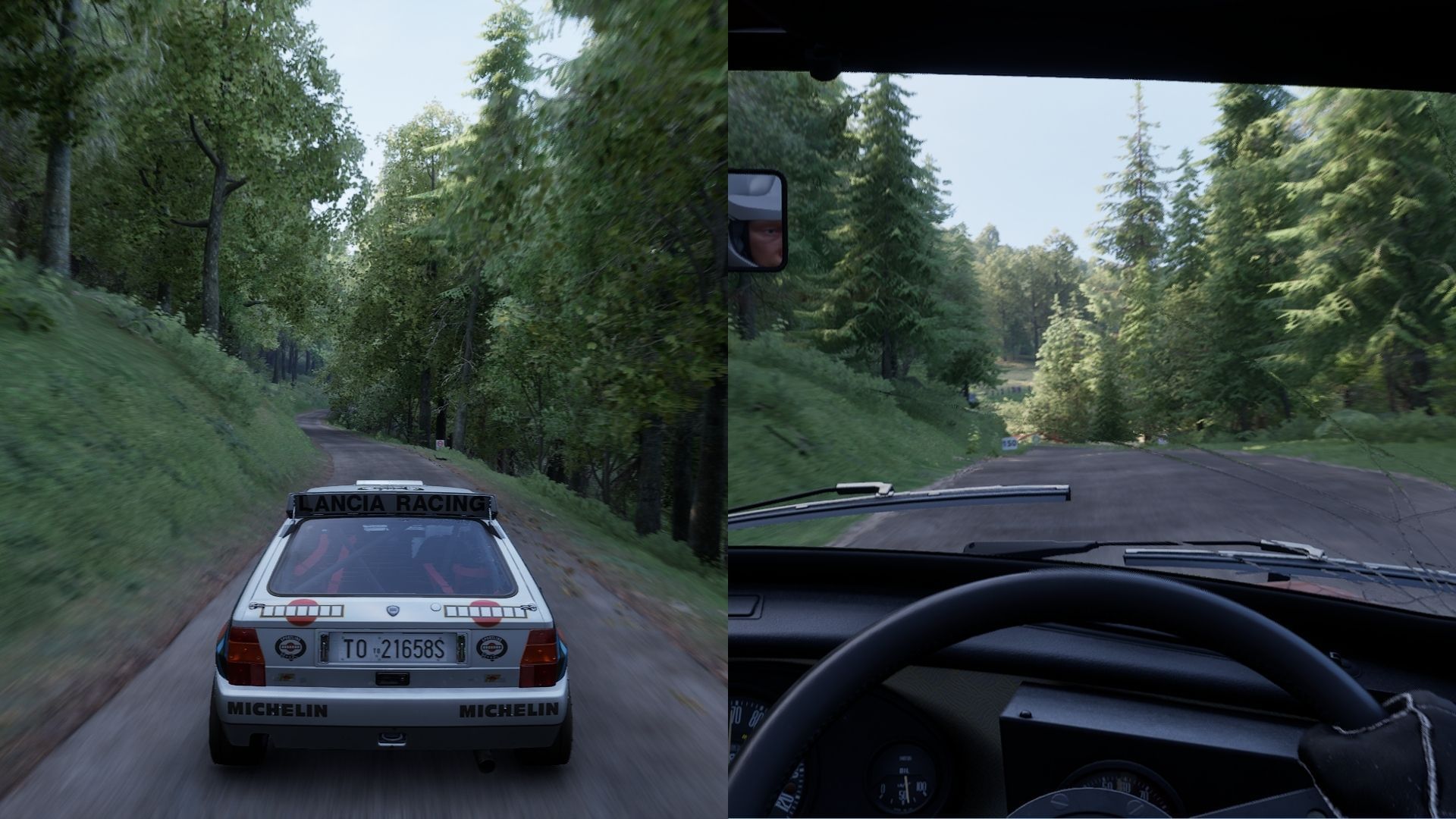
Camera settings in Assetto Corsa Rally refer to the positioning of the camera when you are driving the car, whether in the driver's seat or using one of the numerous available cameras. This setting can be accessed from the pause menu after you start a game mode.
 Trending
Here are the best camera settings in Assetto Corsa Rally for a balanced and immersive gameplay experience:
Apart from these optimal settings for the camera, here are a few presets for competitive driving and immersion. These presets modify crucial factors such as FOV and wheel visibility depending on the gameplay feel you want:
Competitive Driving:
- Distance = −1
- Height = +2
- FOV = +3
- All movement multipliers ≈ 40 %
- All movement speeds ≈ 10 %
- Wheel = Off
Immersion (accurate simulation of the rally cockpit):
- Distance = 0
- Height = 0
- FOV = +2
- Pitch/Lateral/Vertical Multipliers ≈ 60 %
- Speeds ≈ 20 %
- Wheel = On
Additionally, if you intend to use VR or a triple-screen display, it is recommended to keep all movement multipliers under 40% to prevent nausea or disorientation. If you want a bonnet view while driving, you can reduce the height to -1 and distance to -2 to create a more road-focused frame while retaining the rally immersion.
Also read: Assetto Corsa Rally Review: Immersive gameplay brings the art of rallying to life
Check out some other articles:

Are you stuck on today's Wordle? Our Wordle Solver will help you find the answer.


